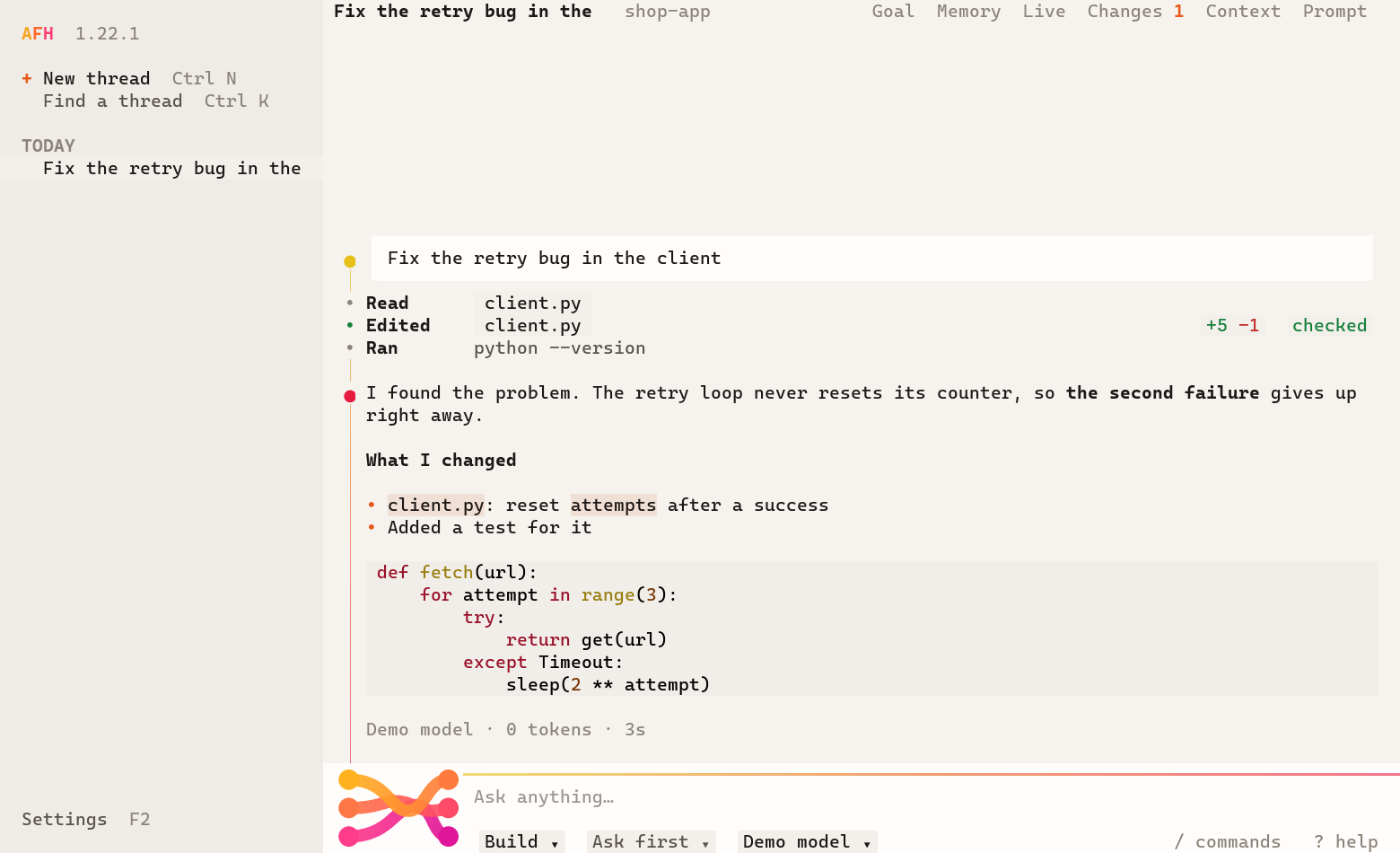
Its own design
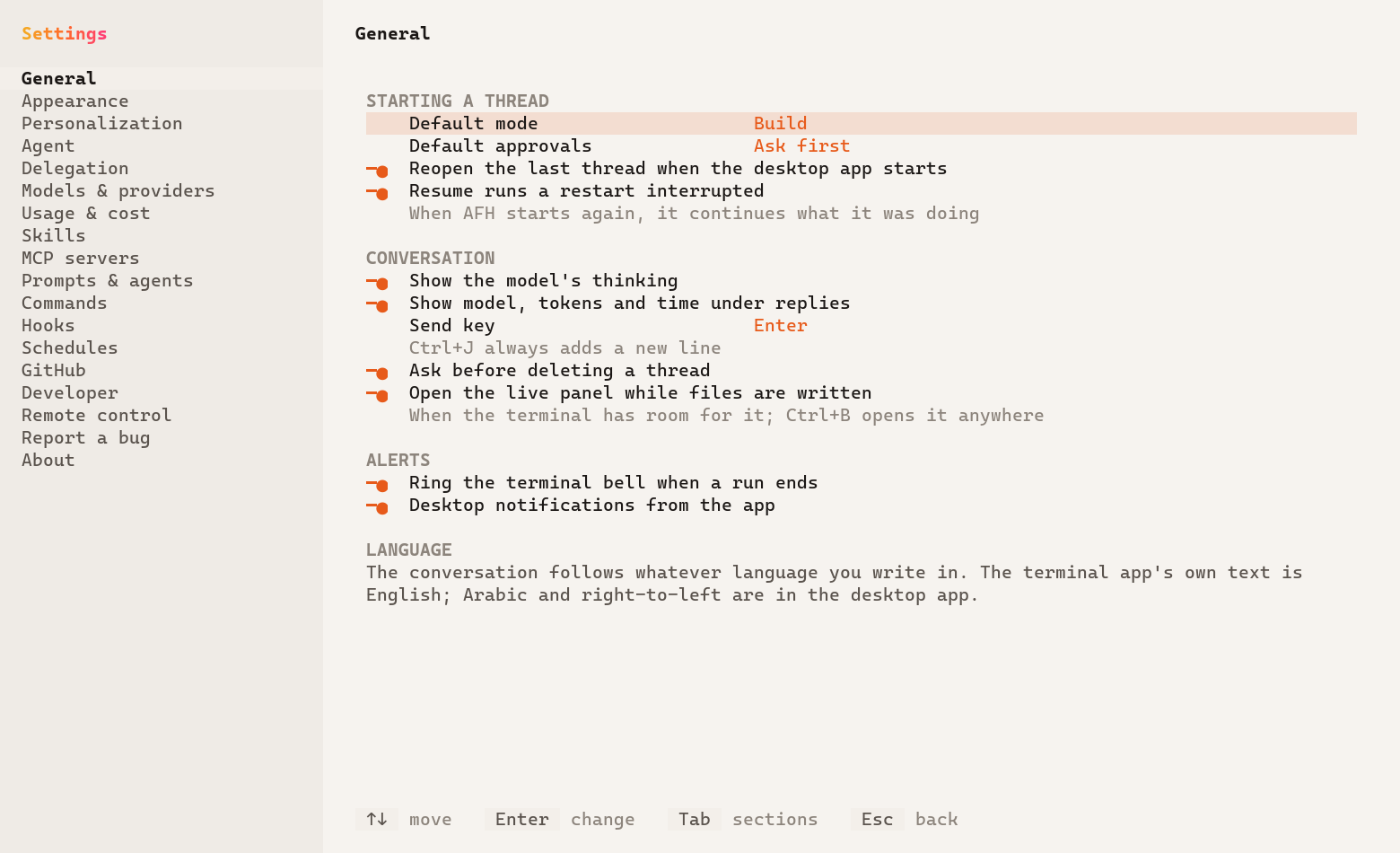
A terminal app that looks like AFH.
The mark from the app, drawn in your terminal, flowing while it works. The conversation runs down a strand, every step a point on it, and joins the message box. During a run, light travels along it.
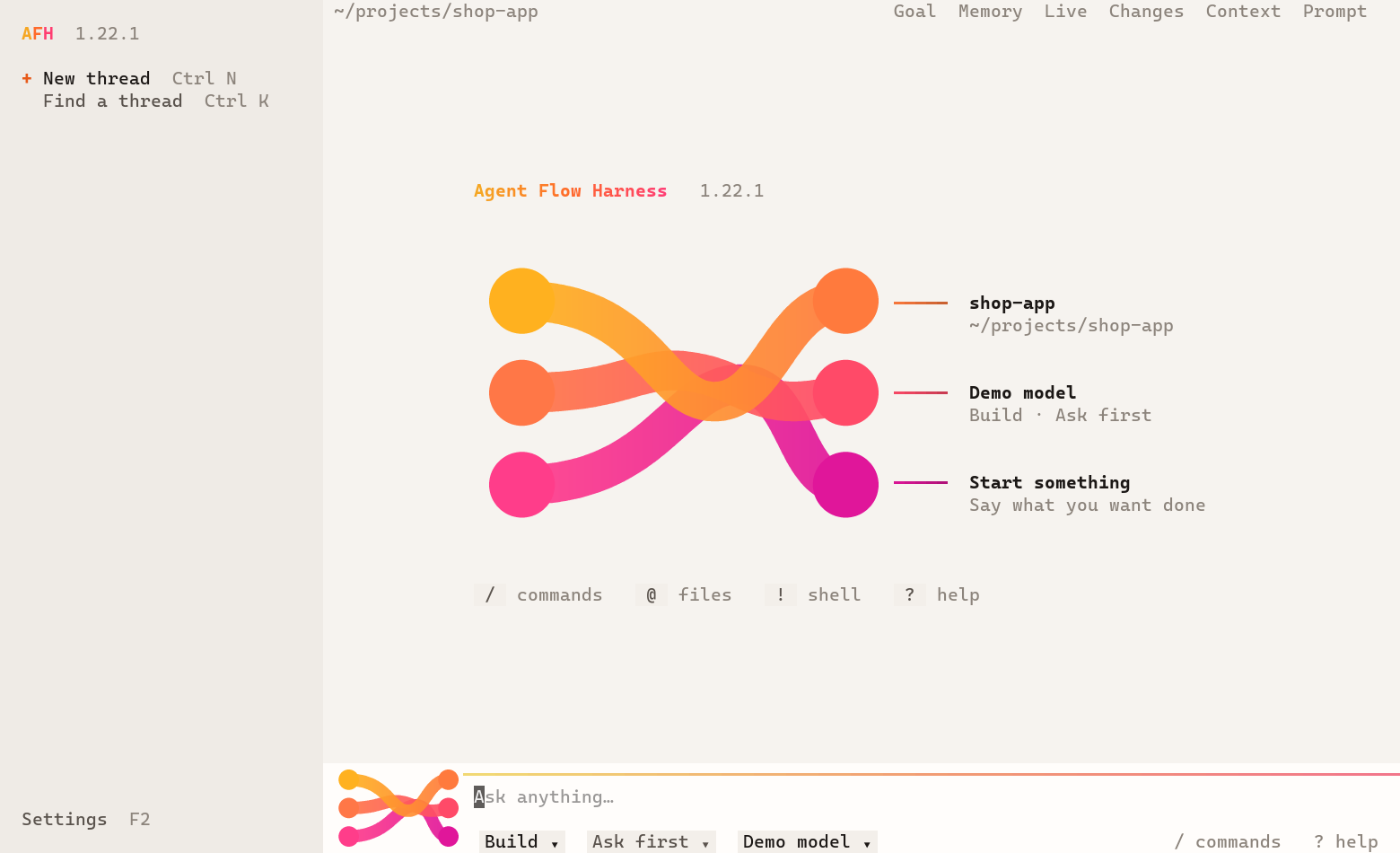
The same AFH
Not a smaller version.
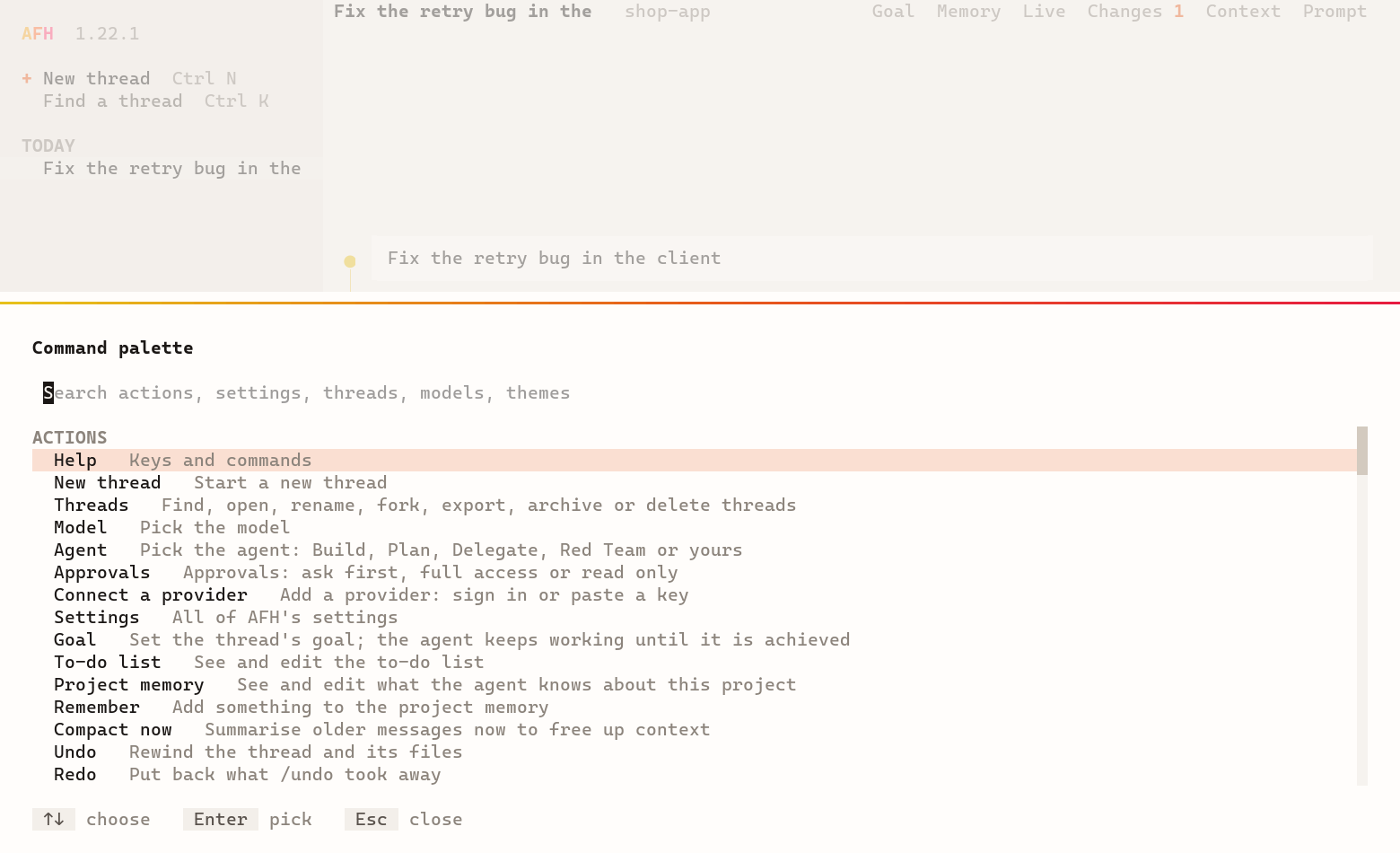
It talks to the same engine as the desktop app, and shares its threads, settings, providers and keys. If the app is open, the terminal connects to it, and you can watch the same thread in both.
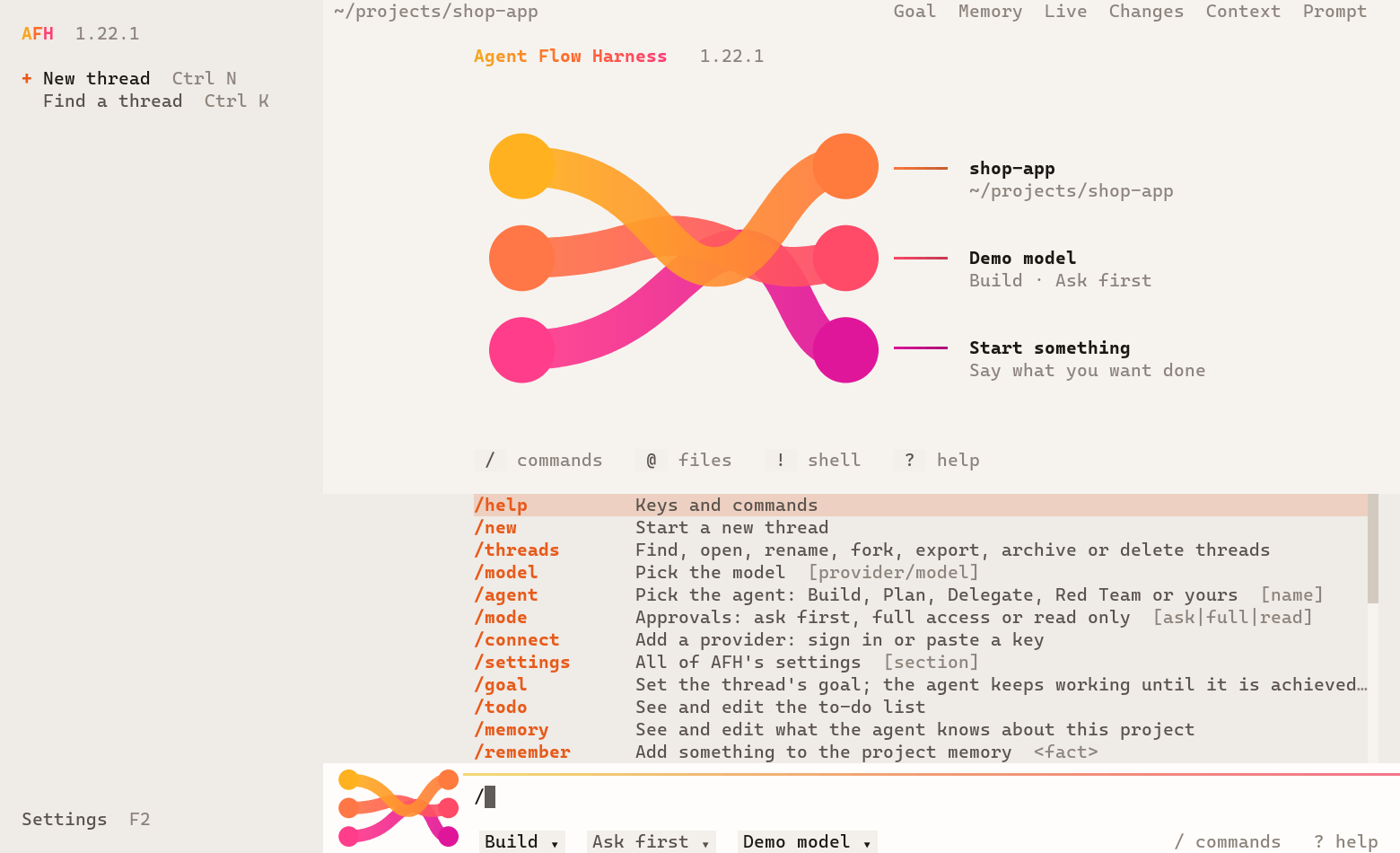
/ for every command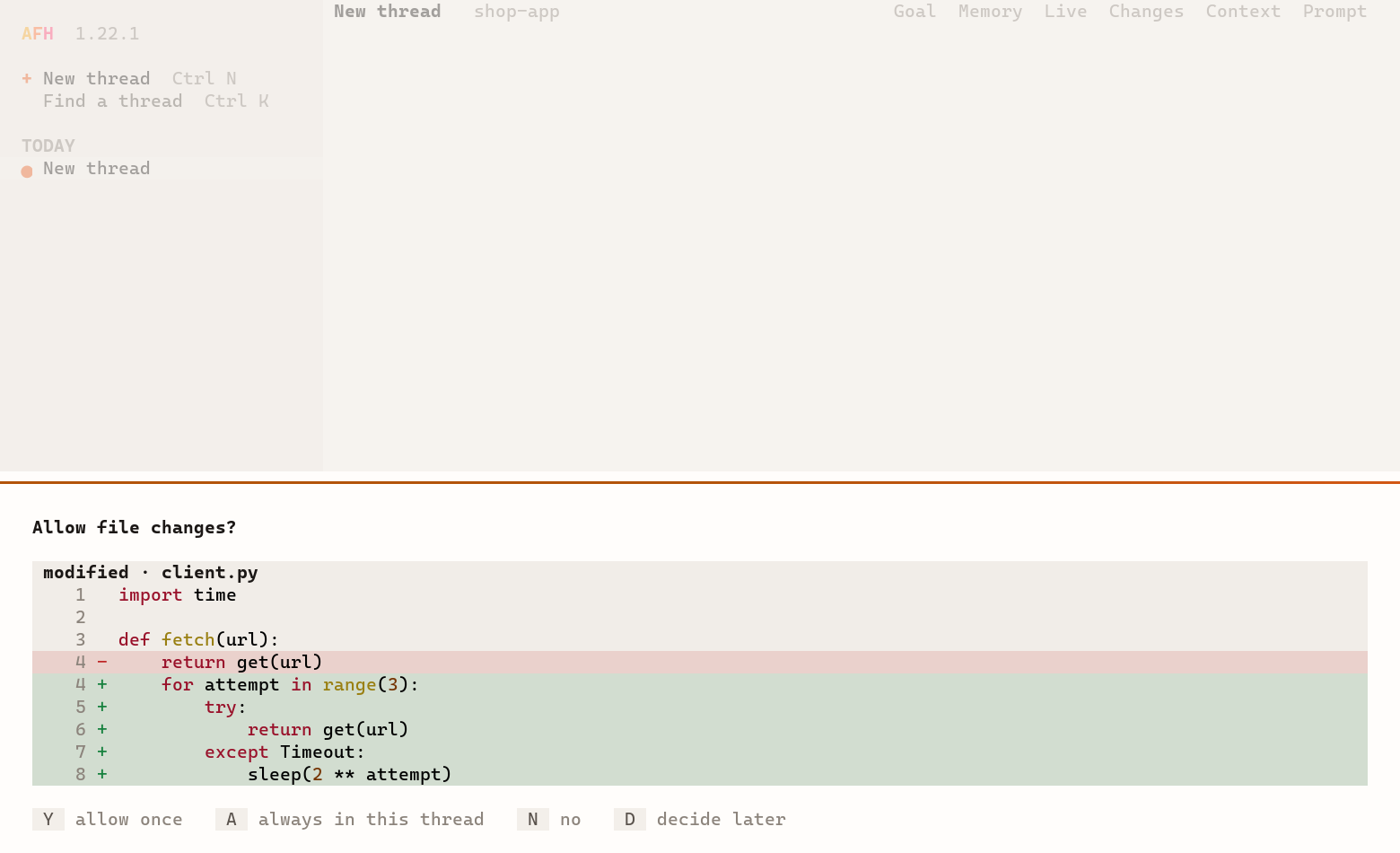
Keys
| Enter | Send |
| Ctrl+J | New line |
| Esc | Stop the run |
| Esc Esc | Undo, from an empty box |
| Tab | Next agent: Build, Plan, Delegate, Red Team |
| Shift+Tab | Approvals: ask first, full access, read only |
| Ctrl+P | Command palette |
| Ctrl+K | Threads |
| Ctrl+N | New thread |
| F2 | Settings |
| F3 | Threads rail |
| Ctrl+O | Open or close tool details |
| Ctrl+B | Live panel |
| Ctrl+R | Search what you've sent |
| Ctrl+G | Write in your editor |
| Ctrl+C | Clear the box. Twice: quit |
Commands
| /model, /agent, /mode | What runs, and how freely |
| /connect | Sign in or add a key |
| /threads | Open, rename, fork, export, delete |
| /goal, /todo | Long work, step by step |
| /undo, /redo | Rewind the thread and its files |
| /diff, /cost | What changed, and what it took |
| /context, /prompt | See and edit what the model sees |
| /memory, /compact | What it knows, and room to work |
| /helpers, /jobs | Watch helpers and background jobs |
| /worktree, /race | Branches, and models against each other |
| /theme | 67 themes, the same as the app |
| /settings | Everything else |
Your own commands, like /review, show up here too. Type @ to pick a file and ! to run a shell command the agent can see.
In scripts
One task, then exit.
afh run prints the answer to stdout and takes piped input, for scripts and CI. Read the guide →
| afh run "fix the failing tests" | One task |
| git diff | afh run "review this" -q | Piped input, answer only |
| afh run --json "..." | Every event as JSON lines |
| afh update | Install the newest version |
| afh uninstall | Remove it; your threads and keys stay |
| afh --plain | A simple line chat for basic terminals |
Questions
Good to know.
Which terminals work?
Windows Terminal, the terminal in VS Code, macOS Terminal, iTerm2 and modern Linux terminals. The old Windows console window works but shows fewer colors. In a very basic terminal or a pipe, afh uses a simple line chat.
What can't a terminal do?
It can't draw images or embed a browser, so screenshots and design previews open in your own viewer and browser. The mic is in the desktop and phone apps. The rest is here.
Why does my antivirus question it?
AFH isn't code-signed yet, so some antivirus programs are wary of new builds. The installer checks the SHA-256 of every download against the release.
Can I read the script first?
Yes: install.ps1 and install.sh. They download a release from GitHub, check it, unpack it to the .afh folder in your home folder and add afh to your PATH. Nothing needs admin rights.
Three ways.
One AFH.
Prefer a window? The desktop app is the same AFH.